
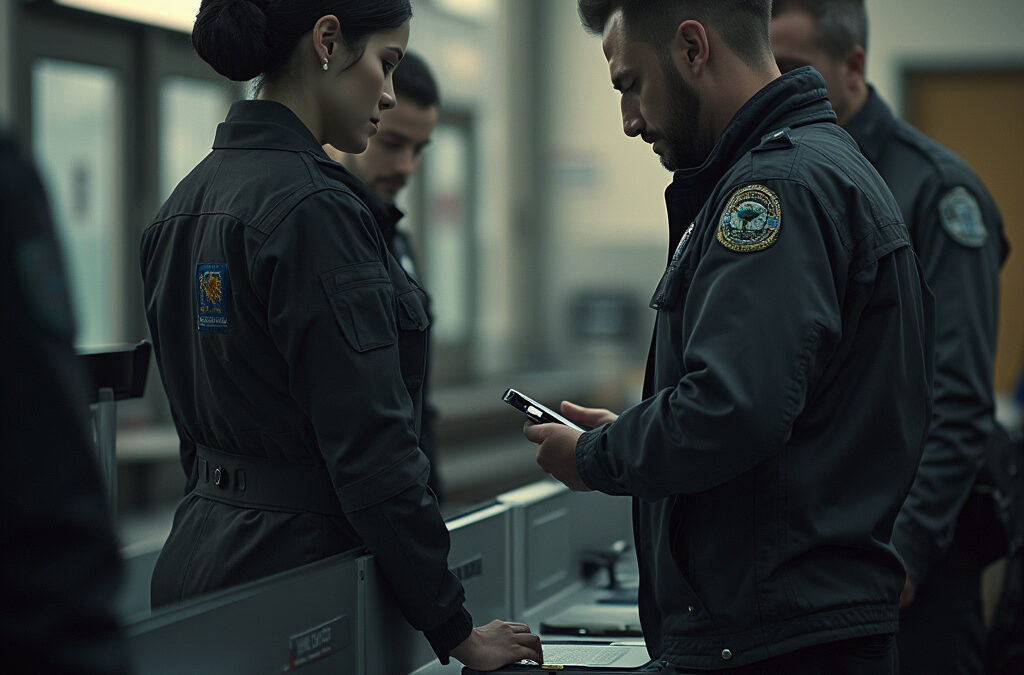
How to Lock Down Your Device When Crossing Borders
In an era where digital privacy is under constant threat, international travelers face a growing concern: the scrutiny of their electronic devices at border crossings. Whether for business or leisure, crossing into another country often means surrendering some level of privacy. This is especially true in the United States, where Customs and Border Protection (CBP) agents are authorized to examine phones, laptops, and other devices without a warrant or any suspicion of wrongdoing. The stakes are high, as these searches can expose sensitive personal, professional, or financial information stored on your devices.
While border searches are legal under U.S. law, travelers are not entirely without recourse. By taking proactive steps to secure their devices before crossing borders, individuals can significantly reduce the risk of compromising their digital privacy. This guide outlines practical measures to protect your data, understand your rights, and navigate the complexities of border searches with confidence.
Preparing Your Devices for Travel
To minimize risks to your privacy, experts recommend taking several precautions before your trip. These steps not only protect your data but also ensure a smoother experience when interacting with border officials.
Travel Light: Only bring the devices you absolutely need. Consider using a temporary or “burner” device with minimal stored data. This approach reduces the amount of information available for inspection. For additional files, rely on secure cloud storage and download only what you need during your trip.
Back Up Your Data: Transfer essential files to a secure cloud storage service that offers end-to-end encryption. After backing up, delete the original files from your device. However, be aware that some residual data may still remain, which could potentially be recovered using forensic tools.
Encrypt Your Device: Enable full-disk encryption with a strong password to protect your data. A simple lock screen is not enough, as it can be bypassed relatively easily. Additionally, disable biometric security features like fingerprint or facial recognition, and use a PIN or passcode instead for added security.
Airplane Mode: Before crossing a border, switch your device to airplane mode. This prevents remote downloads or cloud syncs, ensuring that border agents can only access information physically stored on the device.
Audit Installed Apps: Delete social media apps or other applications that may store cached data locally. You can reinstall them after your journey. Even without internet access, cached posts or files could still be viewable, so it’s important to remove them beforehand.
Understanding Border Searches
When interacting with U.S. Customs and Border Protection (CBP) officers, it’s important to understand the two types of device searches that may occur:
1. Basic Search: This is a manual examination of your device, where officers may scroll through photos, messages, and apps. No suspicion of wrongdoing is required for this type of search, and it can be conducted at the discretion of the officer.
2. Advanced Search: In this case, officers connect your device to external equipment to copy and analyze its contents. This type of search requires “reasonable suspicion” of a legal violation or national security concerns and must be approved by a senior officer.
It’s important to note that border searches are not limited to phones and laptops. Officers may also examine digital cameras, smartwatches, and external storage devices.
What to Do at the Border
When you arrive at a border checkpoint, there are several steps you can take to protect your privacy while cooperating with officials:
Power Down Devices: Turn off your phone or laptop completely. This action unloads decryption keys from the device’s memory, making it more secure against advanced hacking tools.
Be Honest: Never attempt to mislead border officials. Deliberately hiding, wiping, or lying about the contents of your device can result in severe consequences, including detention, device seizure, or even being denied entry.
Cooperate Minimally: While U.S. citizens cannot be denied entry based on refusal to unlock a device, non-citizens, including visa holders, risk denial of entry. For all travelers, refusal may lead to device seizure or delayed processing.
Legal and Privacy Considerations
Travelers should be aware of their rights and the limitations of their privacy at borders:
Privacy Risks: Devices may store sensitive information, including contacts, photos, emails, and work documents. Even encrypted cloud data can be targeted indirectly by government requests to service providers.
Legal Recourse: If a search feels intrusive or unjustified, travelers may have legal options after the fact. However, it is often better to avoid escalation during the encounter, as agents may view disconnecting cloud access, wiping data, or other privacy tactics as suspicious.
Tips for Specific Destinations
Border search policies vary by country, and travelers should research the legal requirements of their destination beforehand. For instance:
– In the UK, refusal to unlock devices under counterterrorism laws can result in criminal charges.
– In other nations, travelers have reported being asked to verify their trips using photos or provide access to their social media accounts.
By understanding these policies and taking proactive steps to secure your device, you can mitigate the impact of border searches on your digital privacy and ensure a smooth, secure international travel experience.
Conclusion
Protecting your digital privacy when crossing international borders requires a combination of preparation, awareness, and cooperation. By taking proactive steps such as using temporary devices, encrypting your data, and understanding your legal rights, you can significantly reduce the risk of compromising sensitive information. While border searches are a reality, being informed and prepared empowers you to navigate these situations with confidence and ensure a secure, hassle-free travel experience.
Frequently Asked Questions (FAQs)
Are border searches of electronic devices legal?
Yes, under U.S. law, border officials are authorized to conduct searches of electronic devices without a warrant. However, advanced searches require reasonable suspicion or approval from a senior officer.
What should I do if I’m asked to unlock my device at the border?
Cooperate minimally and honestly. While U.S. citizens cannot be denied entry for refusing to unlock a device, non-citizens may face consequences. Refusal can also lead to device seizure or delayed processing.
Will encryption protect my data during a border search?
Encryption adds a layer of security, but it is not foolproof. Advanced forensic tools may still recover some data. Use strong passwords and disable biometric features for added protection.
Can I refuse to hand over my device at the border?
Refusal to comply with border officials’ requests can lead to serious consequences, including device seizure or denial of entry. It is important to cooperate while asserting your rights responsibly.
Is my data safe in the cloud during a border search?
Cloud data may still be accessible if your device is connected to the internet. Enable airplane mode before crossing the border to prevent remote access and ensure only local data is available for inspection.